



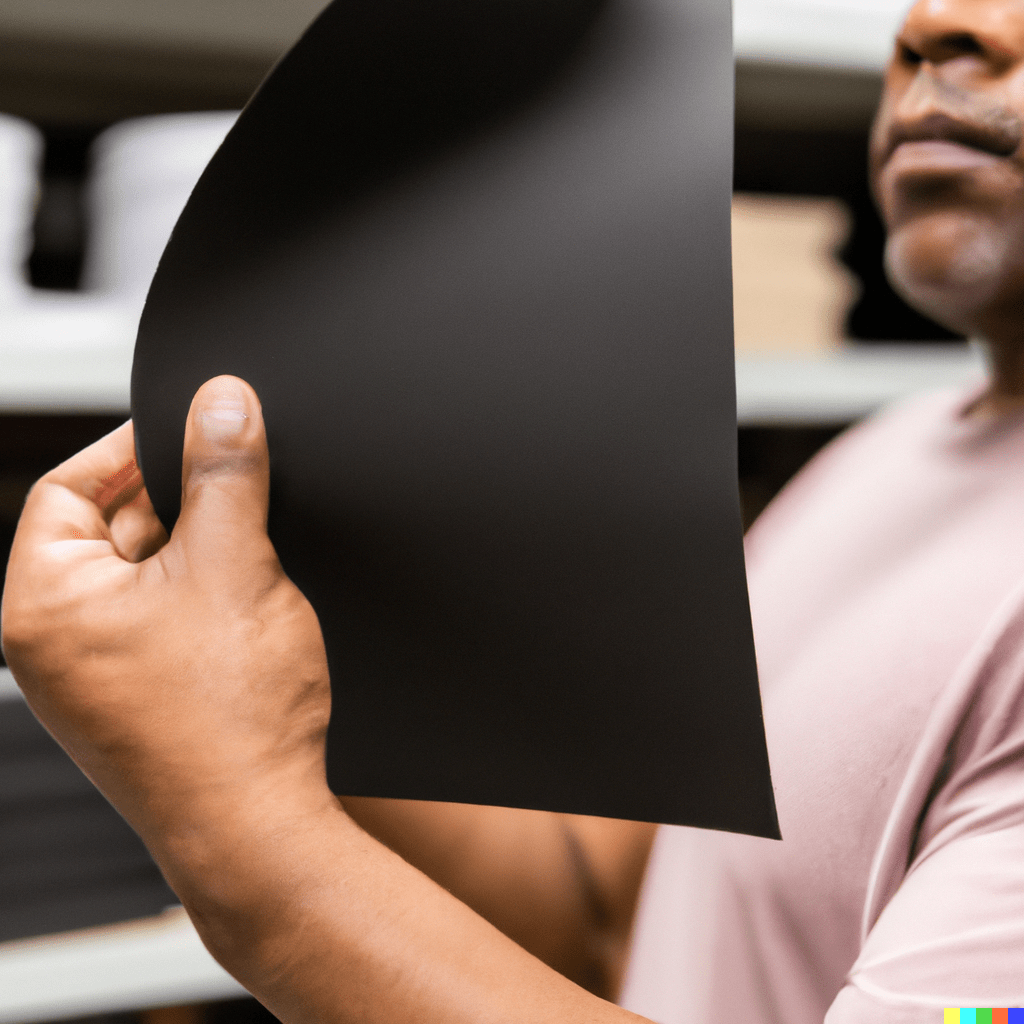
Laminating is a delicate art affected by a number of variables, such as speed, pressure, temperature, and the thickness of the paper used. These elements are not only intertwined but also have a significant impact on the lamination process and the quality of the final result.
In the world of lamination, paper is the canvas on which the magic of this process is captured. However, not all papers behave the same way under the pressure and heat of a laminating machine. Several factors, such as paper thickness and print type, influence the optimal parameters for successful lamination.
Paper Thickness and Its Variations
Paper thickness is a crucial factor that determines the ideal laminator configuration. For different paper weights, specific pressure, temperature, and speed settings are required to achieve efficient, high-quality lamination.
– 115–150 gsm: This weight range, common in standard printing papers, requires a pressure of 3–4 bar and a temperature of 95–110°C for best results. The ideal lamination speed is between 4 and 15 m/min, depending on the type of print and the amount of dark toner areas.
– 175–250 gsm: These are thicker papers, which require a slightly higher pressure of 4–5 bar. The rolling temperature varies between 100 and 110°C. On this type of paper, the speed can be increased up to 15–20 m/min for offset printing and up to 4–15 m/min for digital printing, depending on the print quality.
– 300–600 gsm: Thicker papers require a higher pressure of 5–6 bar and a higher temperature of 105–110°C for effective lamination. The rolling speed is slower, ranging from 3 to 10 m/min.
Type of Printing and Its Impact
The nature of the printing (offset or digital) also influences the lamination parameters. Digitally printed papers, especially in areas with dark toner, may require specific temperature and speed settings to avoid damage or warping.
Digital printing generally requires lower temperatures and slower lamination speeds compared to offset printing. Dark toner areas often need lower temperatures but may require higher pressure for effective lamination.
Final Conclusions
Successful lamination is not simply a matter of applying pressure and heat to paper; it is a delicate dance between speed, pressure, temperature, and paper thickness. Understanding how these variables relate to each other is critical to achieving optimal lamination results, ensuring the durability, aesthetics, and quality of the final product.
The key lies in the adaptability and ability to adjust the parameters of the laminating machine according to the paper specifications and the printing technique used. It is this in-depth understanding that allows lamination experts to unlock the full potential of this technique and raise the quality of finished products to new levels of excellence.
White paper
| Paper thickness | Pressure | Temperature | Maximum mechanical speed |
| 115–150 g/m² | 3–4 bar | 95–100°C | 10–15 m/min |
| 175–250 g/m² | 4–5 bar | 100–105°C | 15–20 m/min |
| 300–600 g/m² | 5–6 bar | 105–110°C | 10–15 m/min |
Offset-printed paper
| Paper thickness | Pressure | Temperature | Maximum mechanical speed |
| 115–150 g/m² | 3–4 bar | 95–100°C | 10–15 m/min |
| 175–250 g/m² | 4–5 bar | 100–110°C | 15–20 m/min |
| 300–600 g/m² | 5–6 bar | 110–115°C | 8–15 m/min |
Digitally printed paper
| Paper thickness | Pressure | Temperature | Maximum mechanical speed |
| 115–150 g/m² | 3–4 bar | 95–110°C | 4–10 m/min |
| 175–250 g/m² | 4–5 bar | 100–110°C | 4–15 m/min |
| 300–600 g/m² | 5–6 bar | 105–110°C | 3–10 m/min |
Digitally printed paper (dark toner areas)
| Paper thickness | Pressure | Temperature | Maximum mechanical speed |
| 115–150 g/m² | 3–4 bar | 95–100°C | 3–10 m/min |
| 175–250 g/m² | 4–5 bar | 100–105°C | 3–15 m/min |
| 300–600 g/m² | 5–6 bar | 105–110°C | 3–10 m/min |